 how-to
How Do You Integrate a Home Battery With Smart Home Systems?
Last Updated: October 29, 2026
Quick Summary
Home battery integration links your battery, solar inverter, smart meter and home devices so they share data and make decisions together. Start by confirming all components are compatible, choose an energy management system, then connect and test each link in order.
- Confirm your battery, inverter and smart meter can communicate before buying anything.
- An energy management system decides when to charge, discharge and draw from the grid.
- Use a fixed local IP address and a wired connection where possible to keep data flowing.
- Test a power cut after installation to confirm backup behaviour works as expected.
- Have an MCS-accredited installer confirm model compatibility in writing.
Table of Contents
- What Integration Means and Why It Matters
- Checking Home Battery and Smart Meter Compatibility
- Choosing a Smart Home Energy Management System
- Step-by-Step: Connecting the Battery to Your Smart Home
- Automated Battery Charging With Time-of-Use Tariffs
- Keeping Lights On: Home Battery Backup During Power Cuts
- Booking Your Free Survey to Plan Your Integration
- Frequently Asked Questions
What Integration Means and Why It Matters
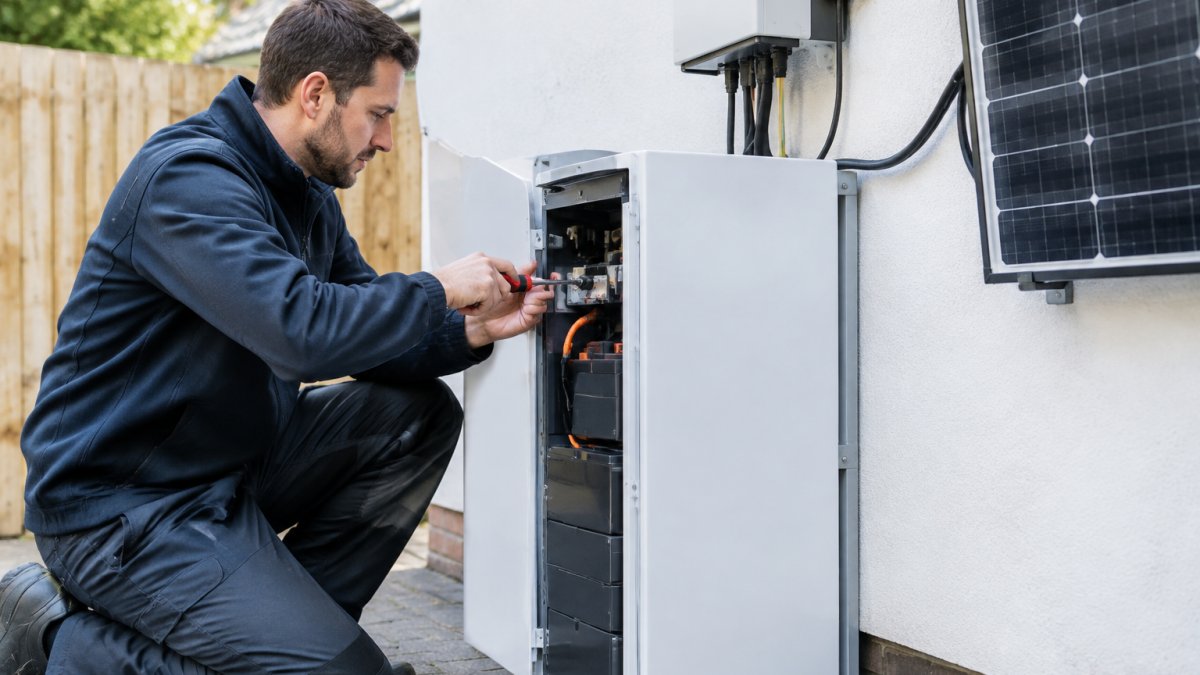
Home battery integration connects your battery to your smart home system so the two work as one. Smarter Utility installs solar PV, battery storage and EV charging across Scotland. Homeowners often ask what "integration" actually changes day to day?
Integration is the process of linking your battery, your solar inverter, your smart meter and your home devices so they share data and make decisions together. Without it, the battery charges and discharges on fixed rules. With it, the system can store cheap power, use it when prices rise, and keep the lights on when the grid fails.
The benefits are practical. A well-integrated system can:
- Charge the battery when electricity is cheapest
- Use stored power in the evening, when demand peaks
- Send alerts when a device goes offline or underperforms
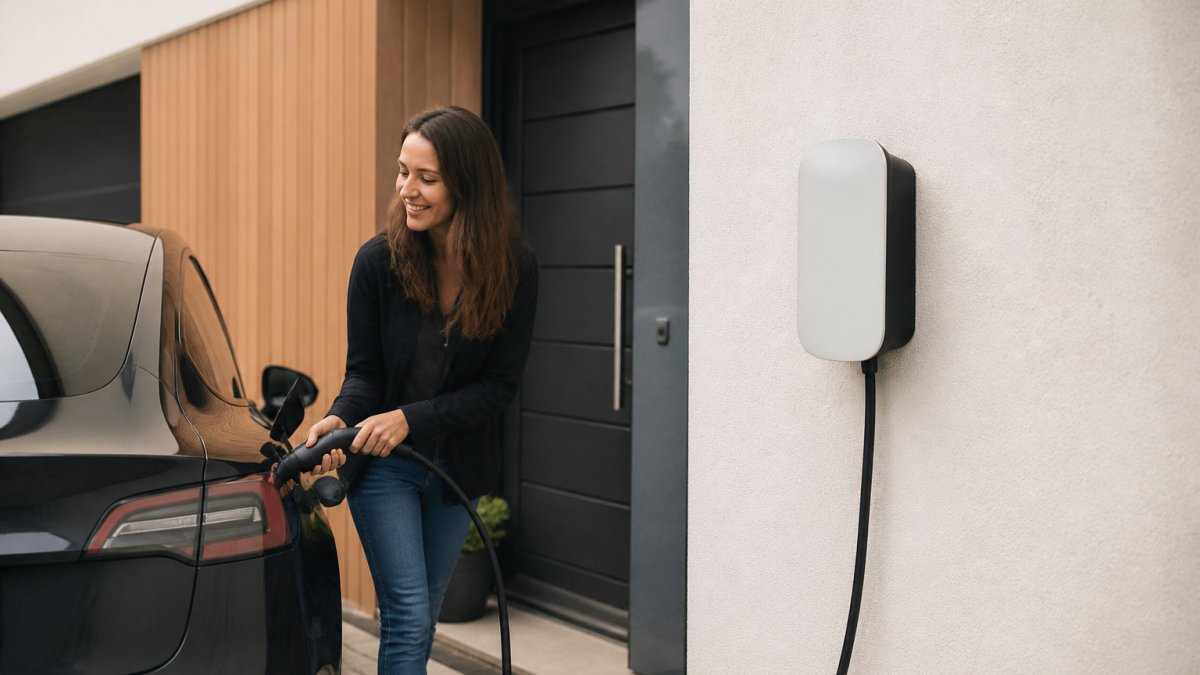
- Shift EV charging to off-peak hours automatically
Integration is not one product. It is a chain of links, and the weakest link decides how well the whole system performs. That is why the steps below matter.
Checking Home Battery and Smart Meter Compatibility
Before buying anything, confirm that your battery, inverter and smart meter can talk to each other, because home battery integration depends on that link working from day one. Compatibility problems can show up after installation, so check this first. Ensuring this seamless communication between hardware components provides the essential foundation for lowering home energy bills by optimizing how your system manages stored power.
Start with three questions:
- Does your battery's inverter support the communication standard your smart hub uses?
- Can your smart meter share readings with your home energy system?
- Does the battery work with your existing solar setup, or does it need a new inverter?
A common mistake is assuming "smart" means "compatible." A battery can be advertised as smart and still lock you into one manufacturer's app. Ask your installer to confirm the exact model numbers work together in writing.
Choosing a Smart Home Energy Management System
An energy management system (EMS) is the brain of the setup. It decides when to charge, when to discharge and when to draw from the grid. Choosing the right one shapes everything else.
Look for these features:
- Time-of-use support: the ability to react to tariff bands
- Real-time monitoring: live views of solar generation and battery state of charge
- Backup logic: settings that reserve energy for outages
- Open integration: compatibility with your other smart devices
If you are weighing lithium-ion against salt water batteries, the trade-offs affect how the EMS behaves. Our guide on how to choose between lithium-ion and salt water home batteries covers those differences in detail.
Step-by-Step: Connecting the Battery to Your Smart Home
Follow these steps in order. Skipping one usually creates problems later.
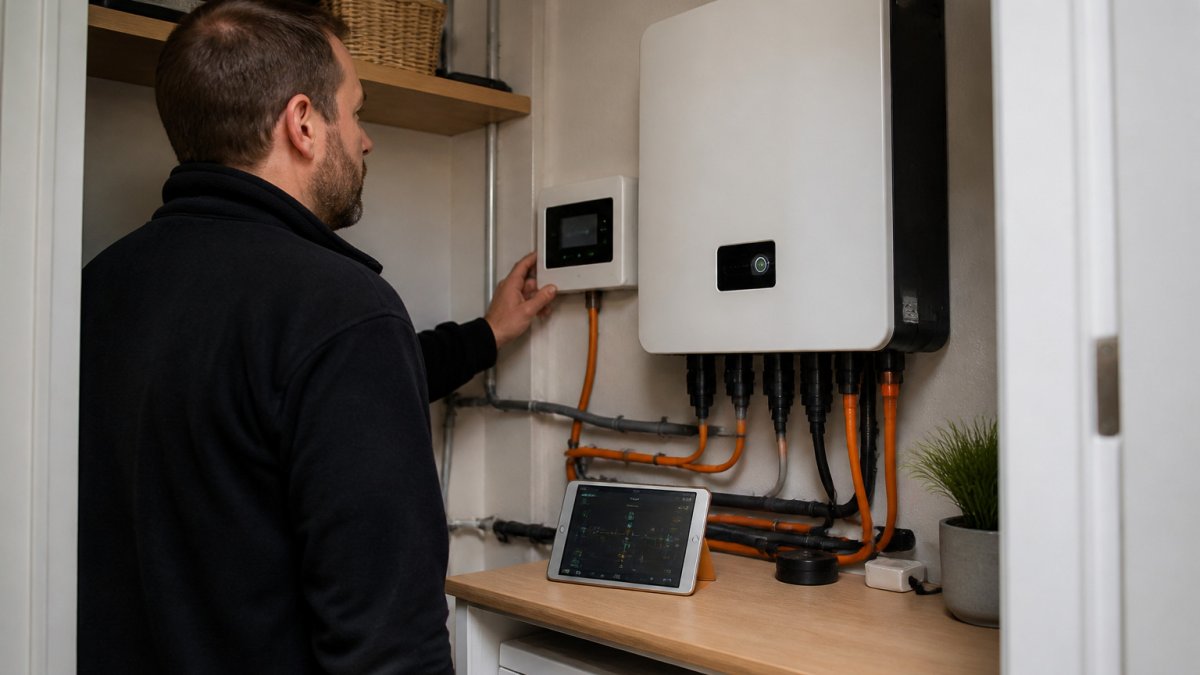
- Confirm the installer is MCS-accredited. Smarter Utility is a fully accredited MCS solar and battery storage installer. Ask any installer you consider to confirm their accreditation.
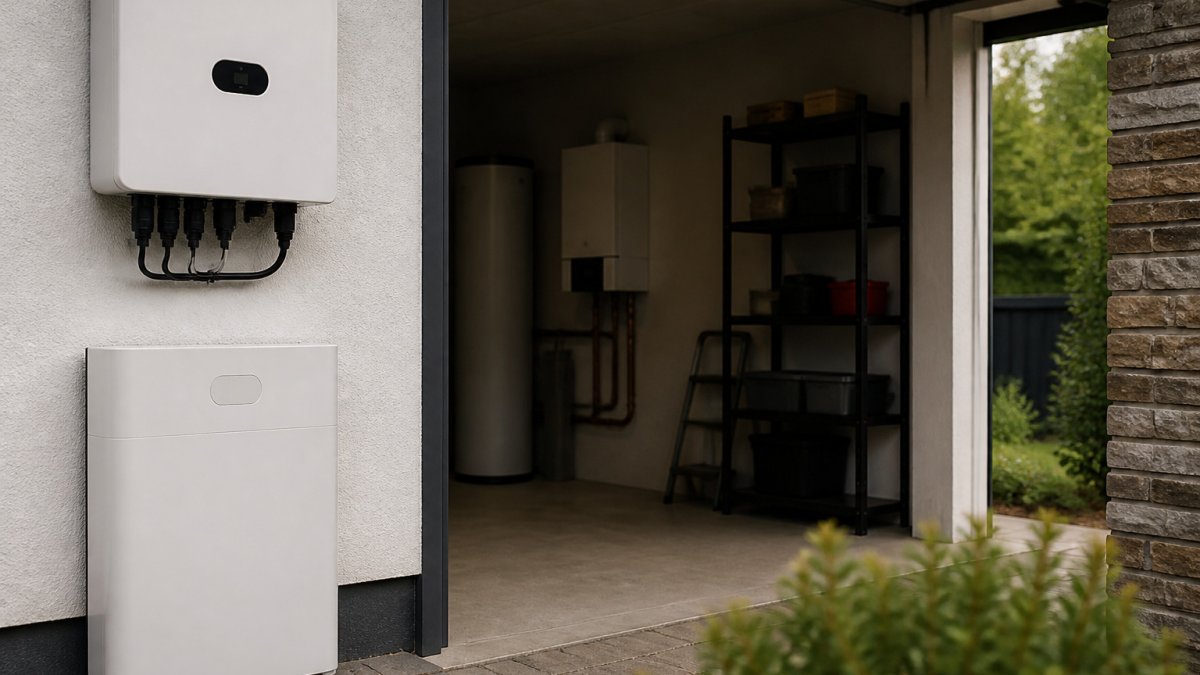
- Mount the battery and inverter. Check clearances and ventilation as the manufacturer specifies.
- Connect the battery to the inverter. Use the manufacturer's wiring diagram and have a qualified electrician verify it.
- Link the inverter to your smart hub. This usually means a local network connection or a supported gateway.
- Pair your smart meter and EMS. Confirm the readings appear in your app.
- Set your charging rules. Start with a simple schedule and refine it after a few weeks of data.
- Test a power cut. Switch off the supply briefly to confirm backup behaviour.
Expected result: your app shows live battery charge, solar output and grid import in one dashboard.
Configuring Communication Protocols and Network Settings
Networking issues can stop integration from working, even when the hardware is correct. Your smart hub and inverter need a stable connection to exchange data.
- Give the inverter a fixed local IP address so the hub can always find it
- Keep the hub on the same network segment as the inverter
- Use a wired connection where possible, since Wi-Fi dropouts stop data sharing
- Record the protocol and port numbers in your install notes
If readings stop appearing, check the network first. Restart the hub, then the inverter, and confirm the IP address has not changed.
Click HERE for your FREE SURVEY today →
The installation process breaks down into seven steps, each with a clear action and expected outcome.
| Step | What to do | Note |
|---|---|---|
| 1 | Confirm the installer is MCS-accredited | Ask any installer to confirm accreditation |
| 2 | Mount the battery and inverter | Check clearances and ventilation |
| 3 | Connect battery to inverter | Have a qualified electrician verify |
| 4 | Link inverter to smart hub | Local network or supported gateway |
| 5 | Pair smart meter and EMS | Readings should appear in your app |
| 6 | Set charging rules | Start simple, refine after weeks of data |
| 7 | Test a power cut | Confirm backup behaviour |
Automated Battery Charging With Time-of-Use Tariffs
Time-of-use tariffs charge different rates at different times of day. An integrated battery can take advantage of that automatically, but the logic behind the automation, and the trade-offs it makes, are what separate a well-tuned system from one that merely follows a schedule.
The three modes your EMS is juggling
- Off-peak: charge the battery from the grid when rates are lowest, within the import limit of your supply.
- Solar hours: charge from your panels first and send surplus to the battery rather than the grid.
- Peak hours: discharge the battery to cover your home's demand and avoid expensive import.
A simple schedule gets you most of the way. The gains come from the rules layered on top.
What the automation actually reacts to
A capable EMS does not just read a clock. It combines:
- Tariff bands and rate changes, some systems pull live prices from the supplier's API or a half-hourly tariff feed, so they react to actual rates rather than a fixed timetable.
- Solar forecast, if a sunny day is expected, the system can hold back grid charging overnight and rely on generation instead.
- Battery state of charge and reserve, a floor is kept back for backup, so peak shaving never empties the battery.
- Household load, heat pumps, EV chargers and ovens are the big swings; the EMS decides whether to serve them from battery or grid.
The trade-offs nobody mentions
- Round-trip efficiency. Every charge and discharge loses energy. If you charge from the grid at night and discharge at peak, the saving is the price difference minus those losses, on a narrow spread, the case weakens.
- Battery degradation. More cycles mean more wear. Aggressive daily cycling to chase small savings may not be worth the reduced lifespan; many practitioners set a minimum spread before the system bothers to cycle.
- Import limits. Charging a large battery overnight can exceed your supply's capacity, especially with an EV charging at the same time. The EMS needs to sequence loads, not run them together.
Grid-tied peak shaving versus off-grid preservation
The logic is not the same, and mixing them up is a common design error:
- Grid-tied peak shaving optimises for cost. The battery cycles freely, the grid is the safety net, and the reserve can be small.
- Off-grid or backup-first optimises for resilience. The battery holds a higher reserve, cycles less, and prioritises keeping critical circuits live over saving pennies per kWh.
If your property has both goals, a grid connection plus a desire to ride out outages, the EMS needs separate reserve and cycling rules for each mode, and you should confirm it supports that before purchase.
Tuning it after a few weeks
Start with a simple schedule, then review a fortnight of data. Look for peak-hour import that the battery could have covered, and for overnight charging that the solar forecast would have made unnecessary. Adjust the reserve and the minimum price spread, and re-check after a tariff change. Savings depend on your tariff, usage and generation, so ask for a tailored estimate during a survey.
Keeping Lights On: Home Battery Backup During Power Cuts
A battery with backup logic can keep essential circuits running during an outage. Set a reserve level in your EMS so the battery always holds enough charge for emergencies. Decide which circuits matter most, such as fridge, heating controls and internet router, and confirm they sit on the backup supply.
Remember that backup performance depends on the system's design and the size of the battery. Our article on why installing home battery storage in Scotland is worthwhile explains the backup benefits in more detail. Discuss your critical loads with your installer before the system is sized.
Booking Your Free Survey to Plan Your Integration
Every system behaves differently in a real home, so the best next step is a site assessment. Smarter Utility offers a free, no-obligation home survey.
Ready to plan your integration? Click here for your free survey.
Frequently Asked Questions
How do you connect a home battery to a smart home system?
Most integrations run through the battery's own gateway or energy management unit, which talks to your smart hub over a local network connection such as Wi-Fi or Ethernet. The installer confirms the battery's communication protocol, sets up the link, and then maps the battery's data points into your home energy app. Check the protocol and firmware compatibility before buying either device, because a mismatch is the most common reason integrations stall. Current pricing depends on the system specification, so request a quote from our website for an accurate figure.
Can a home battery work with a smart meter and energy monitoring app?
Yes, provided the battery, inverter and smart meter share a compatible data path. In Great Britain, smart meters report consumption through the national smart metering system, while the battery and solar inverter report their own generation and storage data. Combining these in one app lets you see how much solar power you generate, how much you store, and how much you draw from the grid. Compatibility depends on the specific inverter and meter models, so an installer should check both before any hardware is ordered.
Can smart controls automatically charge a home battery when electricity is cheaper?
Yes. Where your electricity supplier offers a time-of-use tariff with cheaper overnight or off-peak rates, a smart energy management system can schedule charging during those periods and hold energy back for the expensive peak hours. This lowers the amount you buy at peak prices and makes better use of stored energy. The savings depend on your tariff, your household's consumption pattern and the size of the battery, so the figures vary from home to home.
Can a home battery power smart devices during a power cut?
A battery can keep selected circuits running during a grid outage, but only if the system is installed with backup capability and the relevant circuits are wired to the backup supply. Most standard home batteries will not power the whole house. Instead, an installer typically designates essential circuits, such as lighting, the router, the fridge and some heating controls, to run from the battery. Your smart home system can then show you the remaining charge and how long those circuits will run.
Connecting a battery to your smart home is a clear upgrade when it is planned well. Smarter Utility designs integrated systems that are fully MCS-accredited, so you can make an informed decision with confidence.