 how-to
7 Steps to Read Your Solar Energy Export Meter
Last Updated: October 28, 2026
Quick Summary
To read your solar energy export meter, press the button to wake the display and scroll to the export register, usually shown as a code in the 2.8.x series on most smart meters. Read the full value in kWh including any decimal, and check the register identifier rather than just the number, since import registers sit in the 1.8.x series.
- Your export meter measures surplus electricity sent to the grid, not your panels' total generation.
- Import registers sit in the 1.8.x series and export registers in the 2.8.x series on most smart meters.
- Submit the export figure, not the import figure, through your supplier's account or app.
- A reading that never changes may mean you are reading the import register or a periodically updated total.
- Subtract last month's export reading from this month's to calculate the kWh exported.
Table of Contents
- What Your Solar Energy Export Meter Actually Measures
- Step 1: Find the Export Register on Your Meter Display
- Step 2: Read the Smart Meter Solar Export Reading Correctly
- Step 3: How to Submit an Export Meter Reading to Your Supplier
- Step 4: Check Your Solar Electricity Export Readings on a Bill
- Step 5: What to Do When Your Solar Export Meter Is Not Working
- Step 6: Worked Example of Reading and Reporting an Export Value
- Book a Free Survey to Confirm Your Export Meter Is Set Up Right
- Frequently Asked Questions
What Your Solar Energy Export Meter Actually Measures
Your solar energy export meter measures the surplus electricity your panels send to the grid, not the total your system generates. That distinction matters more than most homeowners realise. A common mistake is assuming the export figure on your meter equals your panels' output. It doesn't.
Three separate numbers sit behind your solar system, and mixing them up leads to confusion when you check readings or query a bill.
- Generation: total electricity your solar PV array produces
- Import: grid electricity you draw in when panels fall short
- Export: surplus electricity you send out to the grid
The other two tell a different story about how your system is performing. For a full guide on reducing electricity bills with solar panels, see our article.
Import, Export and Generation: Three Numbers Worth Knowing
Import is what you buy from your supplier. Export is what you sell back. Generation is the whole picture, and it equals import plus export minus whatever your home used on the spot.
Many meters show import and export as separate registers. Some inverters show generation too. If you only ever read one number, make it export, because that's the figure tied to your payments.
Step 1: Find the Export Register on Your Meter Display
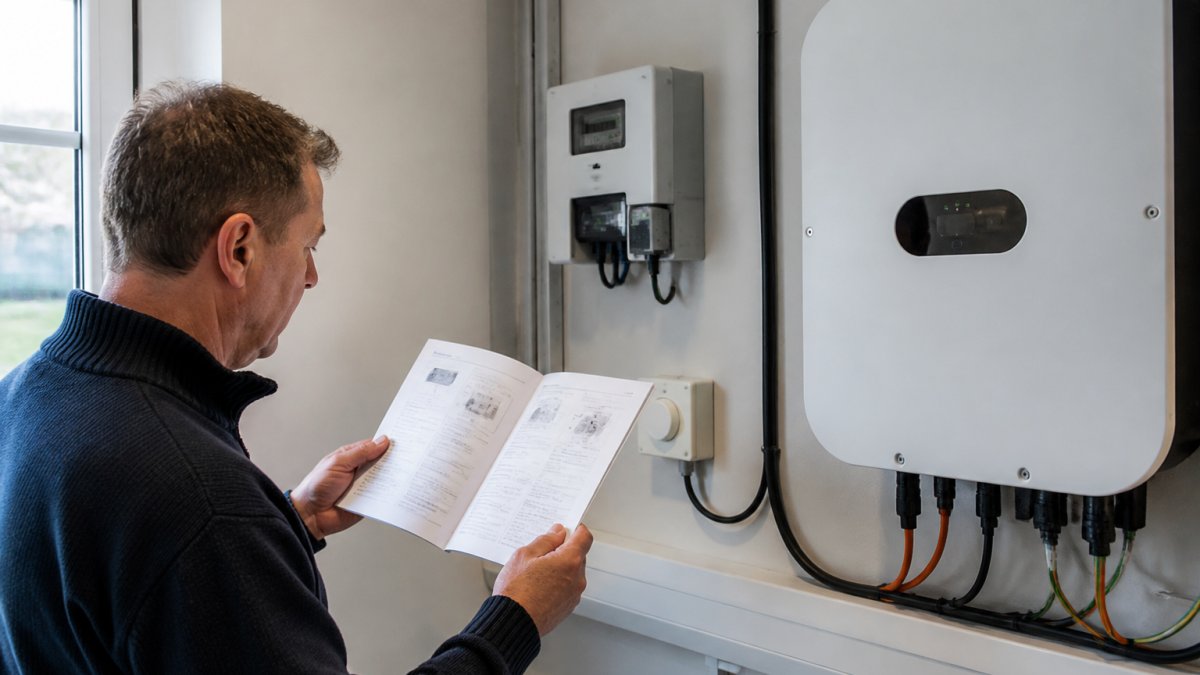
The export register is a specific screen on your meter display, marked with a code your supplier recognises. Finding it takes seconds once you know what to look for, but the exact sequence depends on the meter model, so the practical skill is recognising the pattern rather than memorising one button press.
Press the button on the front of your meter to wake the display. Then scroll through the registers until you reach the export code. On most domestic smart meters the button cycles forward one register per press; on some models a long press scrolls continuously and a short press selects. If the display goes dark before you reach the export screen, press again, the wake period is typically short.
Button sequences by common meter family
Display codes and button behaviour vary by manufacturer, but several patterns appear across most installations. Use this as a starting map, then confirm against your manual:
| Meter family (typical) | Button behaviour | Export register usually shown as |
|---|---|---|
| Landis+Gyr E470 / E350 | Short press cycles registers | A code in the 2.8.x series, often labelled Export |
| Itron / Elster AMI | Short press cycles; long press for menus | 2.8.0 or an 'EXP' label |
| EDMI Mk7 / Mk10 | Short press cycles | 2.8.x with an export descriptor |
| Secure Liberty | Short press cycles | Export register within the 2.8 range |
| Older non-smart import/export meter | Mechanical or LCD toggle | Separate dial or 'Export' register |
Codes differ between manufacturers and even between firmware versions of the same model, so treat the table as a guide, not a guarantee. The reliable rule is that import registers sit in the 1.8.x series and export registers sit in the 2.8.x series on most smart meters built to the standard register convention.
Reading the register identifier, not just the number
When you land on a screen, read the whole line: the register identifier, the value, and the unit. A screen showing '2.8.0' with a value in kWh is an export total. A screen showing '1.8.0' with a similar-looking value is import. The numbers can look almost identical, which is why the identifier matters more than the digits.
If nothing looks familiar, your meter manual lists the exact codes. Keep it handy, because guessing wastes time and leads to wrong readings. If the manual is lost, the meter model number on the front of the unit is enough for your supplier to confirm the register layout.
Step 2: Read the Smart Meter Solar Export Reading Correctly
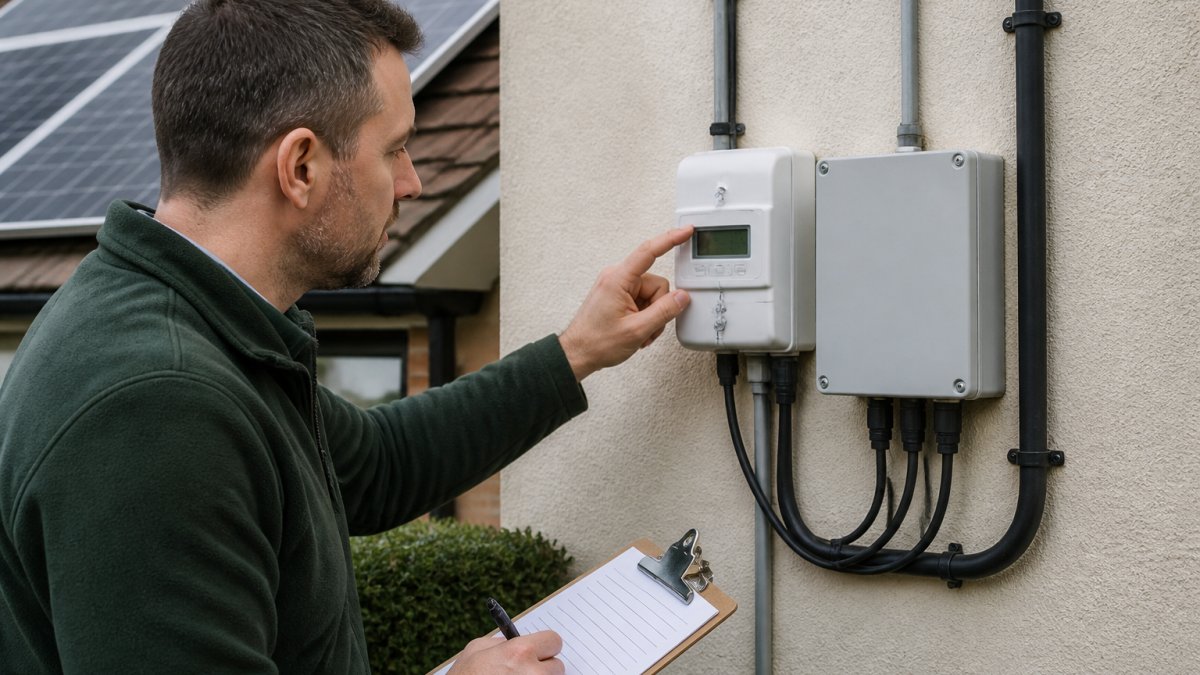
A smart meter solar export reading is the cumulative total of all electricity your system has exported since installation, shown in kilowatt-hours. Read the whole number, including any decimal, and record it exactly as displayed.
Common Display Codes and What They Mean
Display codes vary by meter model, but several patterns appear across most UK installations:
| Code Pattern | What It Shows |
|---|---|
| 01 or 1.8.x | Total import (electricity in) |
| 02 or 2.8.x | Total export (electricity out) |
| E or EXP | Export register |
| IMP or 1.8.0 | Import register |
| 1.8.1 / 2.8.1 | Day or single-rate registers |
Codes differ between manufacturers, so check your manual for the exact sequence. A common mistake is reading the import register and mistaking it for export. The numbers look similar, but they mean opposite things.
Click HERE for your FREE SURVEY today →
Step 3: How to Submit an Export Meter Reading to Your Supplier
To submit an export meter reading, log into your energy supplier's account or app, find the meter reading section, and enter the export figure exactly as shown.
Follow these steps:
- Note the export reading and the date you took it
- Log into your supplier account or app
- Select "submit a meter reading"
- Enter the export figure, not the import figure
- Save a screenshot for your records
Check your account to see what your supplier expects, and submit readings on schedule.
Step 4: Check Your Solar Electricity Export Readings on a Bill
To understand what your export tariff actually pays and whether yours is competitive, read our breakdown of the real benefits of solar export tariffs.
Step 5: What to Do When Your Solar Export Meter Is Not Working
When your solar export meter is not working, the fault usually sits in one of four places: the meter's power or display, the register you are reading, the communications link that sends data to your supplier, or the supplier's records. Working through them in that order stops you calling an installer for something that is actually a display or record issue.
1. Display and power checks
- Confirm the meter has power and the display lights up when you press the button
- Press the button to wake it from sleep mode, many displays blank after a short period
- Note any error codes on the display and write them down exactly
- Check whether the export reading has stayed identical for weeks rather than changing slowly
2. Register and reading checks
A reading that never changes is a red flag, but first rule out the simple cause: you may be reading the import register, or a cumulative total that only updates periodically. Compare the identifier (2.8.x for export on most smart meters) and check whether the value moves at all over a sunny week. If it moves but slowly, the meter is probably working and your export is simply modest. Our solar panel maintenance tips for Scottish homes cover general system care.
3. Communications checks
- Your supplier's app shows estimated or missing readings
- The meter shows a communications or WAN error code
- Readings resume after a period but with a gap
4. Supplier record checks
Sometimes the meter is fine and the record is wrong. If your export payments stop while the meter is still counting, ask your supplier to confirm which register they have on file and whether your export MPAN or metering arrangement is correct. A mismatch between the register you read and the one they bill from produces exactly the 'stuck payment' symptom homeowners report.
When to call your installer instead
For a fault that needs an inspection, contact our renewables company and we'll arrange a visit.
Step 6: Worked Example of Reading and Reporting an Export Value
Say your meter shows an export register reading of 00482.6 kWh on 1 October. On 1 November, the same register reads 00531.2 kWh. Subtract the first from the second: 48.6 kWh exported over the month.
Book a Free Survey to Confirm Your Export Meter Is Set Up Right
At Smarter Utility, we're a fully accredited MCS solar and battery storage installer, and we offer a free, no-obligation home survey. We provide expert design and professional installation.
If you're ready to discuss solar, battery storage, or EV charging, choose a solar and EV installer and arrange your free survey.
Frequently Asked Questions
Which number on my solar meter is the export reading?
The export reading is the cumulative total of electricity your panels have sent to the grid, measured in kilowatt-hours (kWh). On most smart meters it appears under a register code such as 2.8.0 or a clearly labelled 'Export' screen. Press the display button to scroll through registers until you see that label or code. The import register (often 1.8.0) records electricity drawn from the grid, so do not confuse the two when recording your solar energy export figure.
Why is my solar export meter reading not changing?
If your export reading is not changing, contact your energy supplier for guidance.
How do I submit an export meter reading to my energy supplier?
Contact your energy supplier for instructions on submitting an export meter reading.
Can I check how much electricity my solar panels export without a smart meter?
Ask your energy supplier whether your current metering arrangement can provide export readings.
Export readings only pay off when the meter behind them is set up correctly. Get that right, and every kilowatt-hour your panels send to the grid earns what it should. Get started with Smarter Utility and book your free survey to confirm your solar export setup is working properly.